Send webinar invitations: Encourage attendance with clever email sequences
 Lena·
Since the coronavirus pandemic, many people have been managing their working day from home in front of a computer. To allow seminars and events to continue, companies had to find new ways to hold them. Webinars in particular became increasingly popular over the past two years because they are easy to plan and run. Invitations and reminders can be sent quickly and easily by email, taking different interest groups into account. This makes it possible to attract even more webinar attendees. Nevertheless, there are a few things to consider if you want the entire webinar process to be as successful as possible.
1. What are webinars?
A webinar is a seminar held live and online. Unlike a pre-recorded video that might be published on a platform such as YouTube, or a podcast that people simply listen to, a webinar is interactive. Viewers watch the speakers and can interact with them, for example during a question-and-answer session.
Many companies use webinars to expand their networks regionally, nationally and internationally. Online seminars were already a popular method before the coronavirus pandemic, but this exceptional situation encouraged business owners to get creative and sparked a genuine webinar boom.
But who can use webinars, and for what purpose?
- 🚀 All industries: Every industry can use webinars to indirectly spark its target audience’s interest in its products and services. Offer events on topics related to your own products or services. How about a group wine tasting with wine experts for groups of friends, online quizzes as team events or online cookery courses as a gift idea? Get creative and think about what your employees and customers might enjoy.
- 🏢 Within a company: Professional development benefits employers and is also a popular perk among employees. Alongside the additional knowledge gained, benefits of this kind strengthen the relationship between the company and its employees. Numerous free and paid options are available online. Trained staff can also share knowledge with new employees internally in a webinar format. A search for suitable webinars for your company will quickly produce results.
- 💻 Software solutions (B2B marketing): If your company offers software solutions, it can be helpful to give customers an introduction, particularly for more complex systems. Not every company has the time or capacity to provide this training on site, making a webinar the ideal solution.
- 🏋️ Gyms: The coronavirus pandemic prompted a genuine boom in exercising at home. Short workout videos on YouTube became more popular than ever. Gyms and sports clubs can make use of this potential too. Stream classes at the gym live or record them. Exercising together is motivating!
- 🎓 Training institutions: Distance learning has also been popular for years. Vocational training courses have a theoretical component too. Make use of the possibilities offered by the internet and see which seminars are suitable for running online.
- 🩺 Healthcare: The healthcare sector can also harness the potential of webinars. Some prospects cannot attend seminars for a variety of reasons. Webinars can be just as effective as in-person seminars, particularly in areas such as stress management, therapy and other treatment methods.
👀 Did you know?
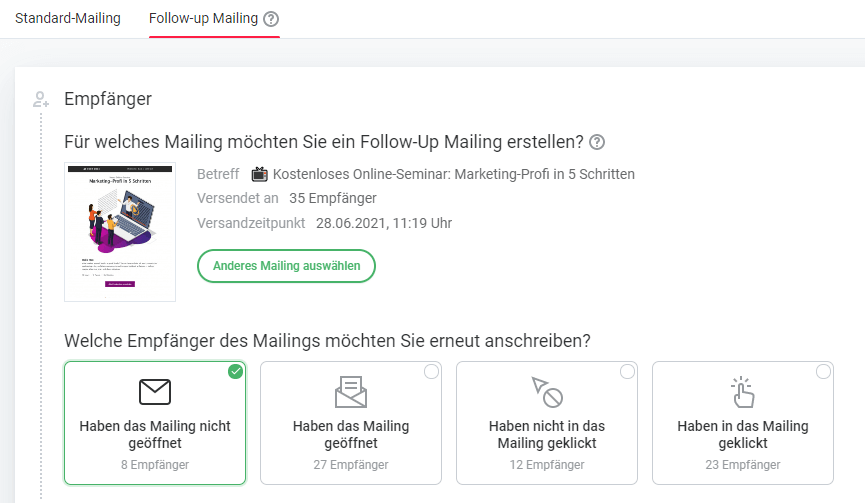
With rapidmail, you can easily create webinar email sequences and manage attendee lists effectively. For example, you can use a follow-up email to remind customers about the online seminar: anyone who did not open your first invitation email can be alerted to the event a second time.
2. Advantages of webinars
For companies that are less active online, this might sound complicated and time-consuming at first. Don’t worry: with the right step-by-step guide, anyone can become a webinar professional!
That is why it is important to understand the advantages of webinars, because your efforts are guaranteed to pay off:
- 🌍 No geographical restrictions: Because a webinar takes place online, neither you as the host nor your attendees are tied to a location. This saves not only travel time but, above all, costs that your company does not have to incur.
- 📈 Long-term reach: Webinars can also be recorded as they take place. Prospects who could not attend the online seminar can still access it, giving you additional reach afterwards.
- 👥 No attendance limit: Unlike classrooms or similar venues where places are limited, webinars theoretically have no limit on attendee numbers. You can use this as an opportunity to reach as many people as possible.
- 🎯 Reach prospects more directly: Sending webinar email sequences allows you to reach prospects more directly than conventional advertising. From the invitation email to the final email thanking people for attending your webinar, email marketing tools such as rapidmail let you successfully send webinar promotional emails. Use more targeted messaging to gain readers’ trust: tracking email opens, seeing the topics your subscribers are interested in, expanding the target audience and making last-minute changes to your emails are just some of the options rapidmail offers.
3. Set up a webinar landing page on your website
Before prospects can and will register for your webinar, you need to tell them about it. A landing page is an ideal way to draw attention to upcoming online events and webinars.
The webinar landing page should be designed to be as appealing as possible:
- an engaging headline
- a compelling tagline
- attractively presented webinar content
- a registration option for the webinar and newsletter (for future webinar announcements)
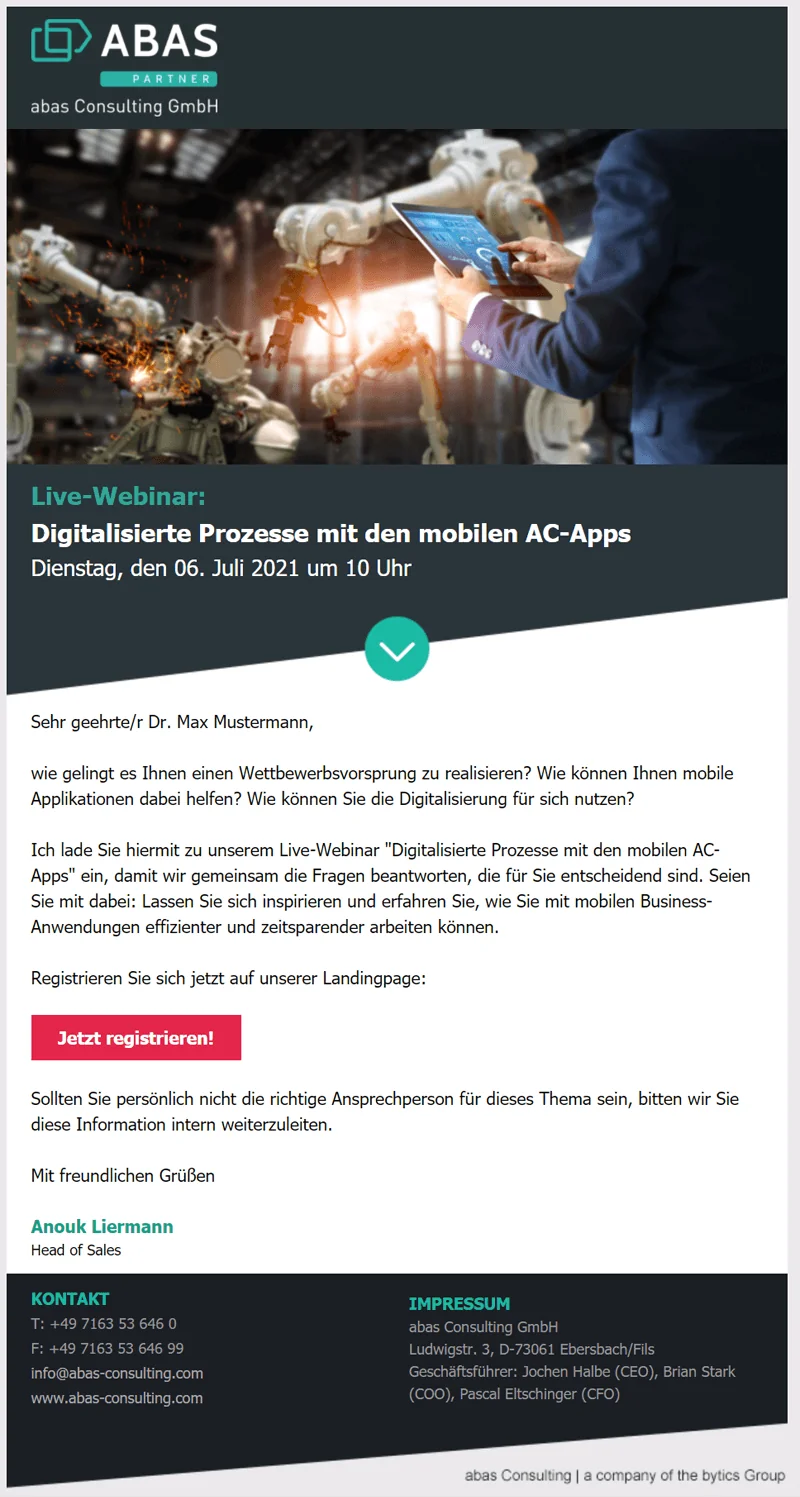
The landing page can also be used to segment prospective attendees by interest right from the start. For example, if you offer webinars on different topics and for different target groups, users’ various areas of interest can be grouped from the outset. This not only makes your work easier later in the process. It also prevents you from sending attendees subsequent offers in which they are certainly not interested. How does that work?
With rapidmail, you have several options for collecting all prospects’ contact details in a list before your webinars begin:
- For each webinar, you can create a separate sign-up form in your rapidmail account and integrate it into your webinar landing page. Instead of using the form for your newsletter, use it here for webinar registration. This means that all attendees for the relevant seminar are already collected in a separate recipient list. Future emails and reminders can be sent to the right subscribers in just a few clicks.
- Alternatively, you can create a shared form for all webinars. In it, you can list the various online seminars you offer as interest options. On registration, the attendee is then assigned the relevant keyword (also called a “tag”), such as “marketingwebinar-2021”. The tags that you can use to segment recipients make it possible to see exactly which customers or users are interested in which webinar. This option also lets you distinguish at a glance, long after the seminars have ended, which subscribers once registered for online seminars and contact them again.
👀 Did you know?
The term “Webinar” is protected as a German word mark, which means that it cannot simply be used by anyone as an event title. If you still want to use the term, you can seek permission from the trademark owner. If that sounds like too much effort, there is a simple workaround: use alternatives such as online seminar, web seminar, online workshop, online talk or online event.
4. Send an email invitation to the webinar
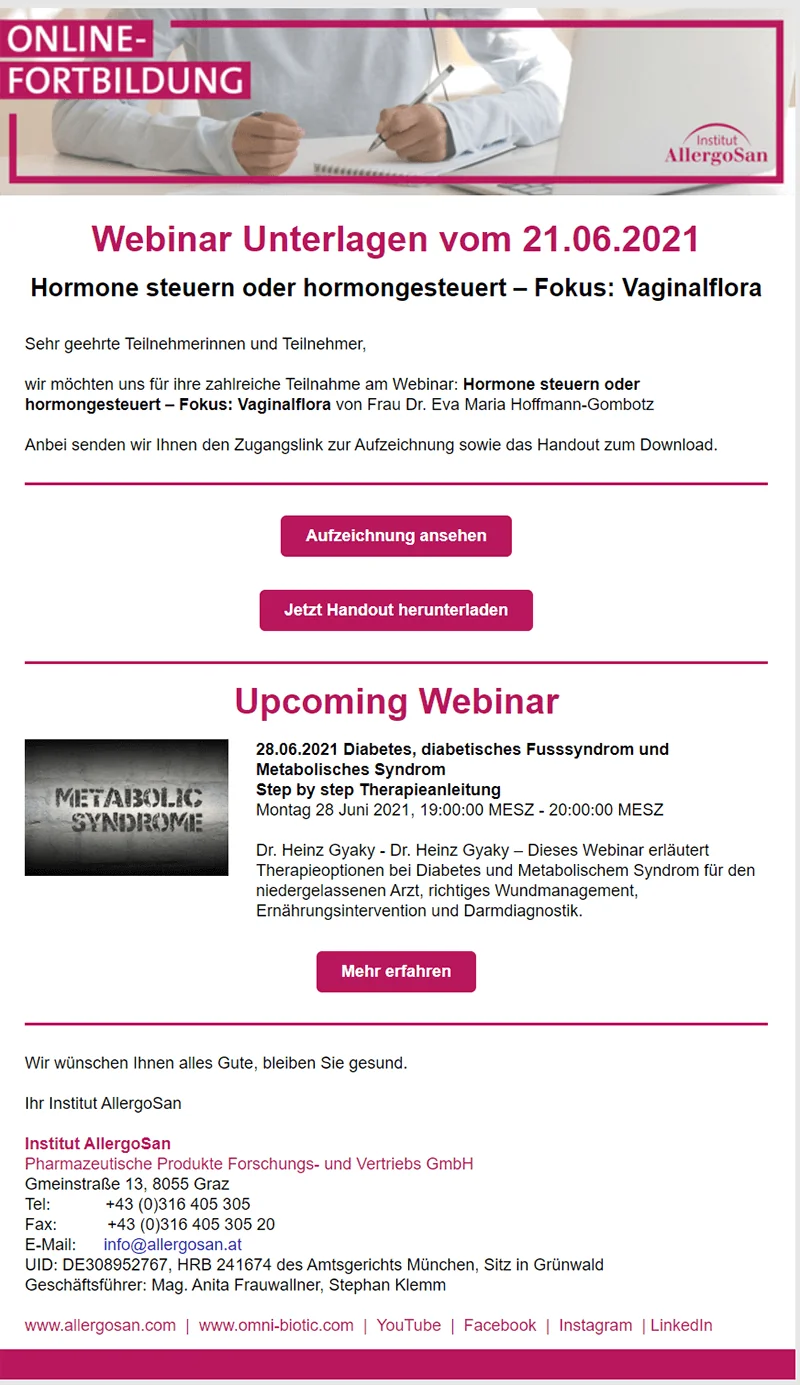
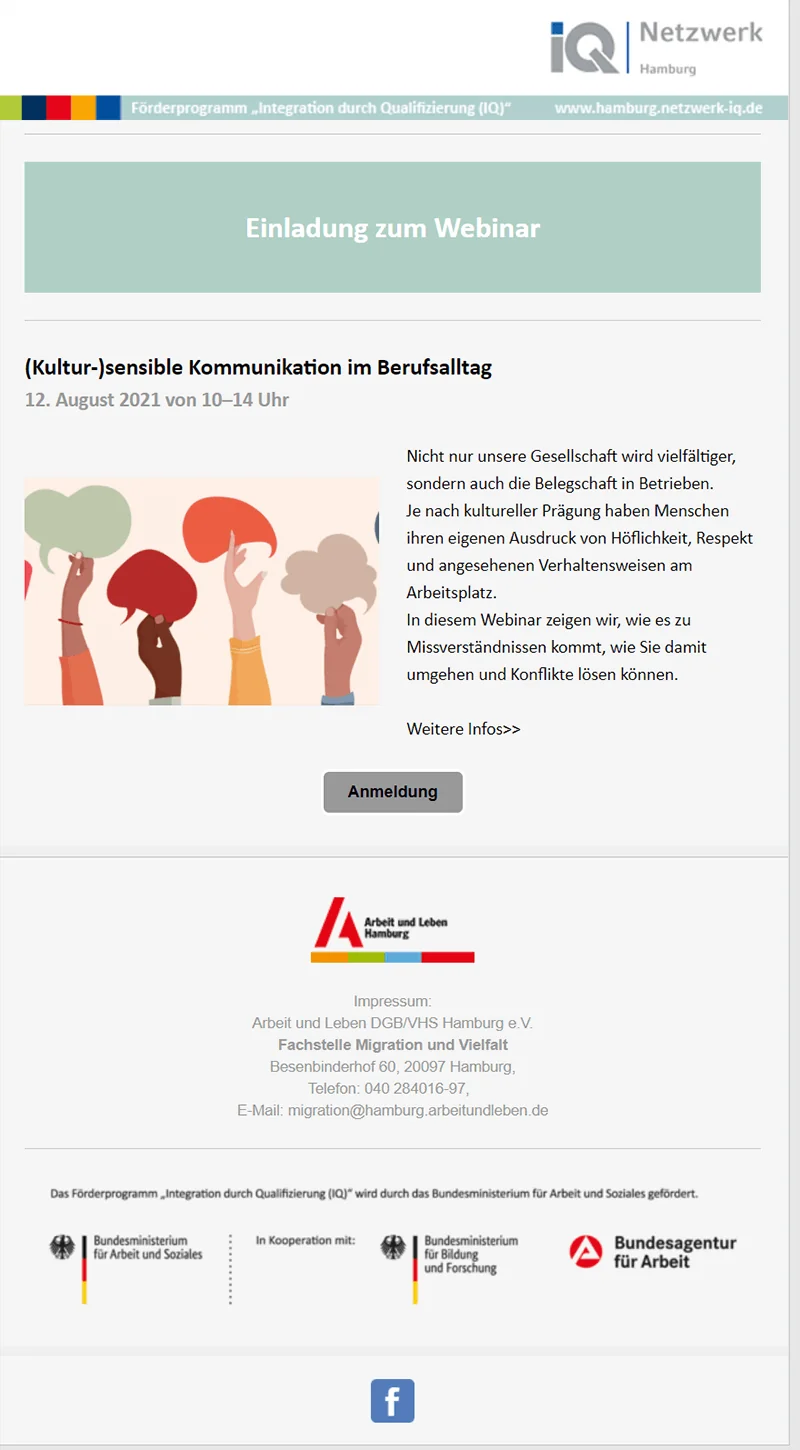
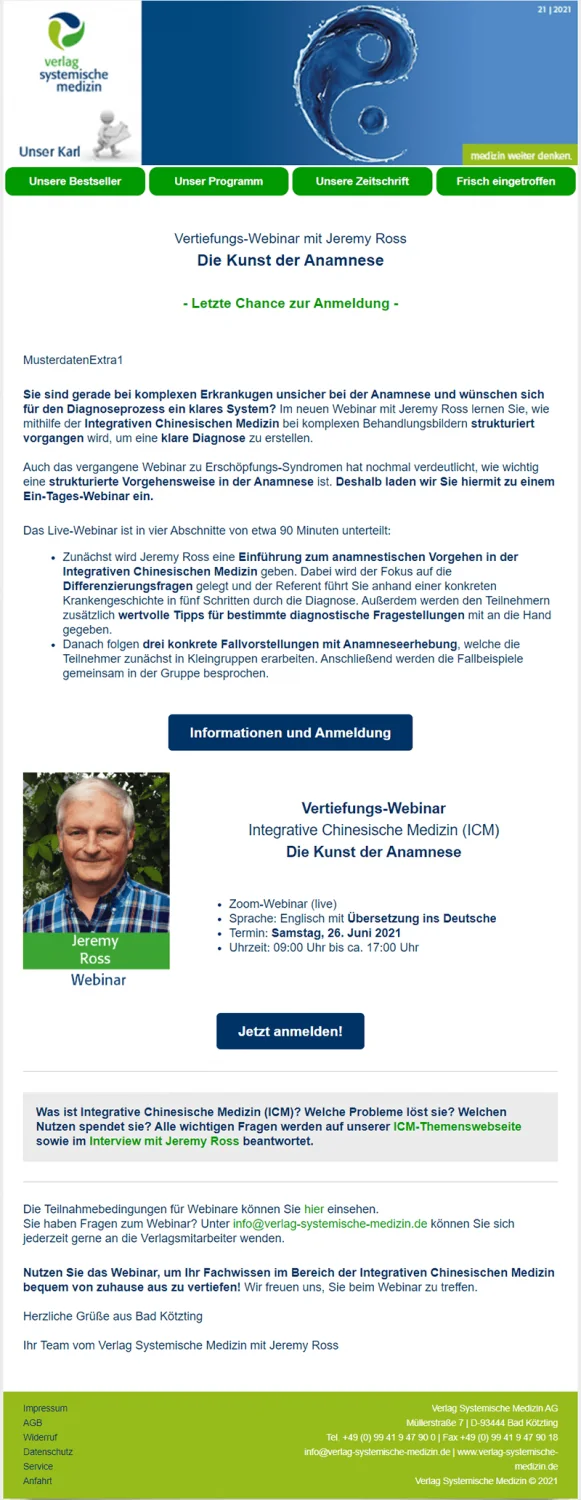
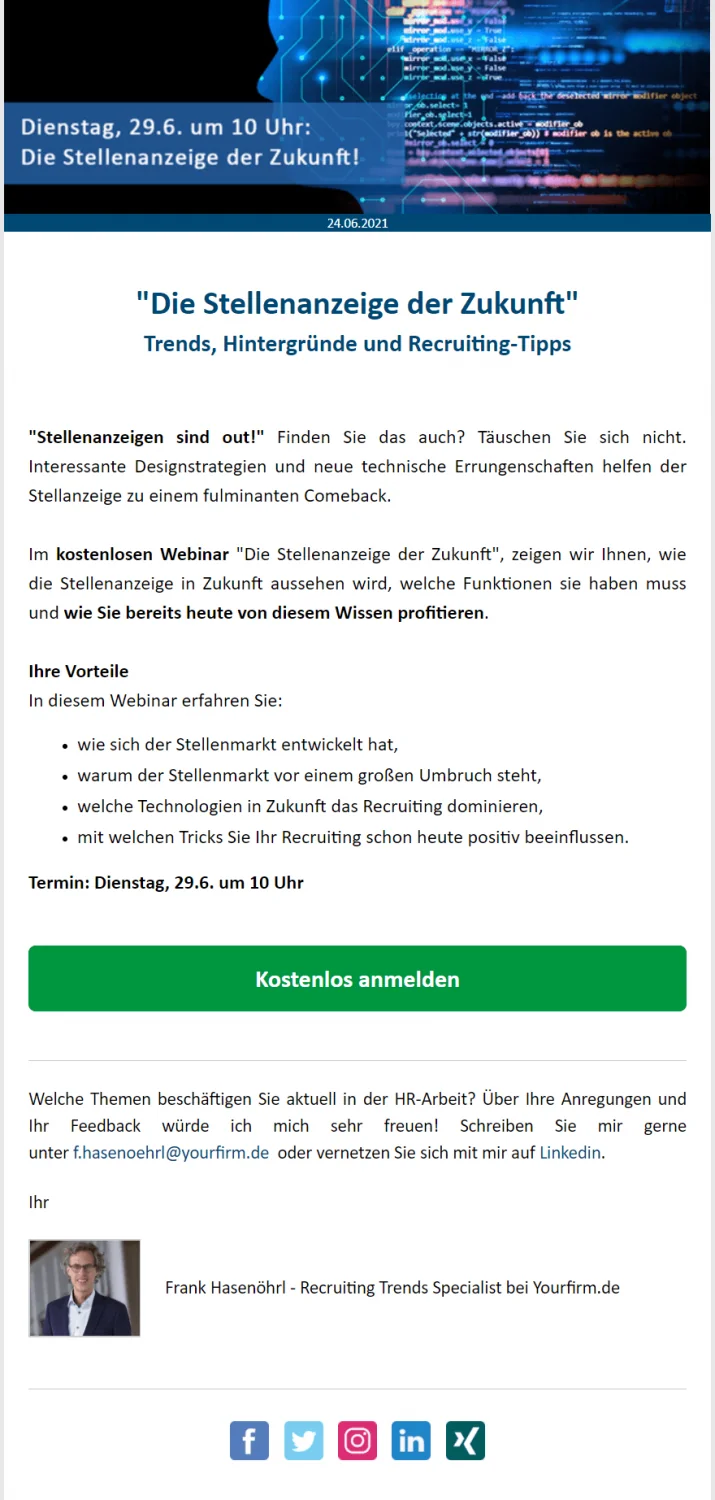
We recommend sending an invitation by email around two weeks before the webinar begins. Explain the webinar’s key topics. Who will host the webinar? Will external speakers be involved? Which experts will contribute on which subjects? The date, time and any costs are also relevant details to include here.
Make the benefits of your webinar clear to attendees. If you do not intend to record the webinar, feel free to mention that in your email. It will motivate recipients to register so they can attend live.
💡 rapidtip: Free email templates
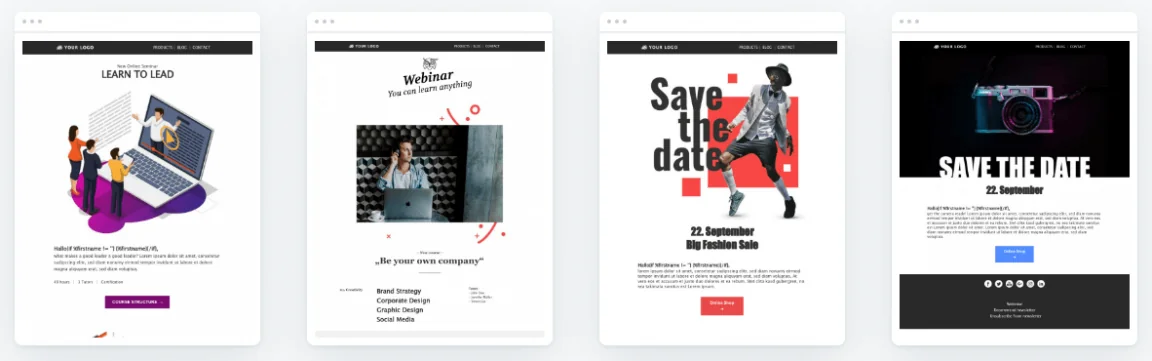
To save you time when designing an invitation email for your webinar, we have prepared a range of email templates. Simply choose your favorite template, customize it and get started!
5. Confirmation email for successful webinar registration
Phew, that was already a lot of information, but now is not the time to give up! At this point, your prospects have registered for your webinar. It is time for the confirmation email. Take this opportunity to thank attendees for registering for your webinar. Give your customers a first taste of what to expect and explain the webinar’s content briefly and concisely.
💡 rapidtip: Automatic confirmation emails
If you use rapidmail forms, confirmation emails are sent automatically after every registration. Once users click the confirmation link in the email, their registration is complete. Their identity has then been confirmed, preventing third parties from misusing their data.
6. Reminder email including the webinar link
Shortly before the webinar begins, you should give attendees the key information one last time:
- When the webinar starts and when attendees can log in
- The link that will take them to the webinar
- Login details, if required
- A brief introduction to using the online program, if an explanation is needed
The rapidmail newsletter
Tips, ideas and news about email marketing, straight to your inbox.
7. The nerves are building: the webinar starts now
You did it! Thanks to your webinar email marketing, you have successfully encouraged plenty of people to attend your webinar. Now it is up to you to impress them there too. Inspire your viewers with engaging, informative content and clear visuals. Prepare well for questions, and nothing should stand in your way!
8. After the webinar comes the next webinar
By now, you are a true professional when it comes to email sequences for your webinars. The final step toward a successful webinar should therefore be easy.
After your online seminar, thank all viewers for attending. If you announced a recording of the webinar, you should attach it to the email or embed it as a video in your email. Your attendees are also sure to appreciate a summary of the most important points. Once again, you can take this opportunity to mention future webinars, perhaps on similar topics. Ask viewers for feedback so you can learn from it for the future. At a suitable point, use a call-to-action button to direct readers to the landing page for the next upcoming webinar, for example.