Create & design newsletters online

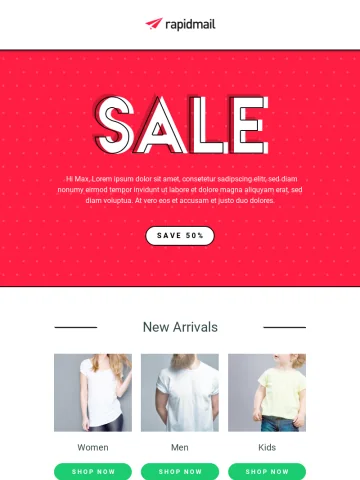
With rapidmail, you can create and design modern email newsletters in the intuitive editor - with just a few clicks and without any prior knowledge. Try our newsletter software for free and see for yourself!

Start for free now
What our customers say about us
4.5 / 5
Jannik
on OMR Reviews

rapidmail is a tool that you can rely on.

It’s intuitive and easy to use, so you can get started quickly.

4 / 5
Luise
on OMR Reviews

Intuitive email builder that's fun to use.

rapidmail is an intuitive tool that allows even beginners to create appealing and high-performing newsletters.

4.5 / 5
Dorina
on OMR Reviews

Simple system with high-quality results.

With just a few clicks, a visually impressive campaign can be created – even without graphic design knowledge.
Create newsletters online – here's how

Create newsletters in your corporate design

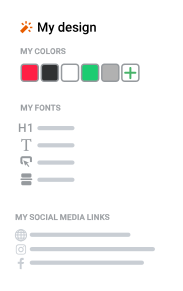
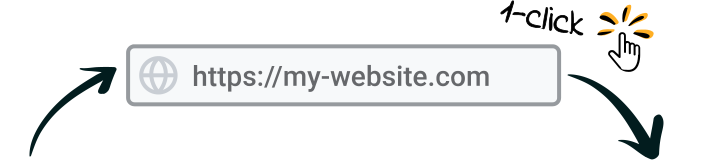
Ready, set, go: just enter your website URL and our 1-click design feature automatically creates newsletter templates in your corporate style – including colors, logo, social media links, and fonts.

Customize
templates flexibly

Over
50 fonts available

Super easy, great support!

5 / 5
Franziska
on OMR Reviews

Super easy, great support!

We created a visually appealing newsletter in no time thanks to the automatic import of our homepage design.

Over 250 modern newsletter templates

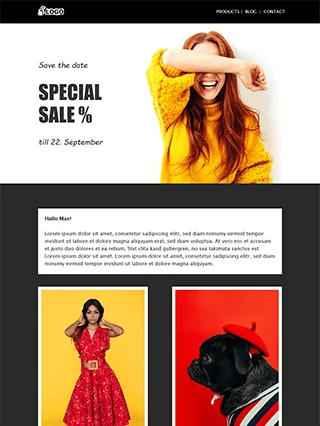
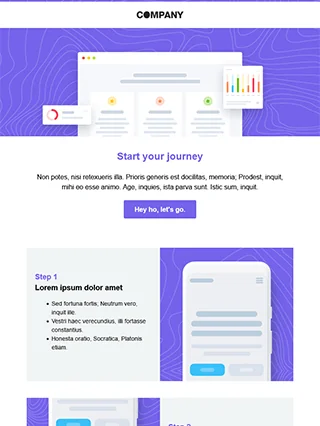
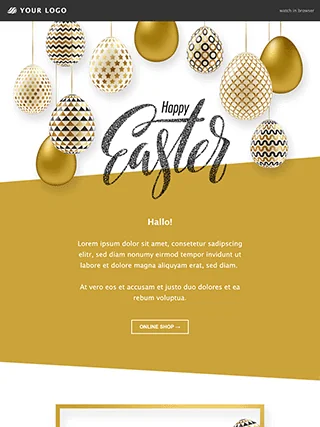
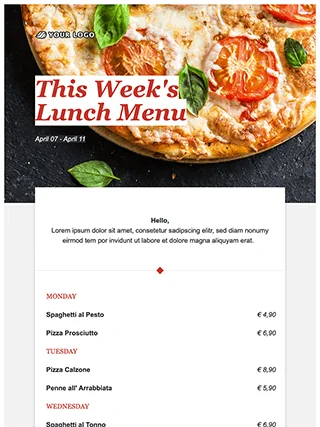
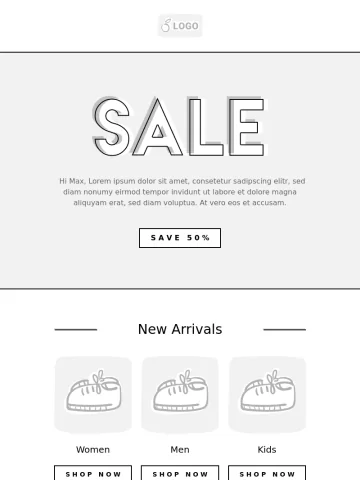
With our free, mobile-optimized templates, your newsletter is ready to send for any occasion in no time at all.

Use your own
HTML templates

Responsive,
mobile-optimized

4.5 / 5
Hendrik
on OMR Reviews

Easy newsletter tool that saves time.

Templates for rapidmail newsletters

Intuitive drag-and-drop editor

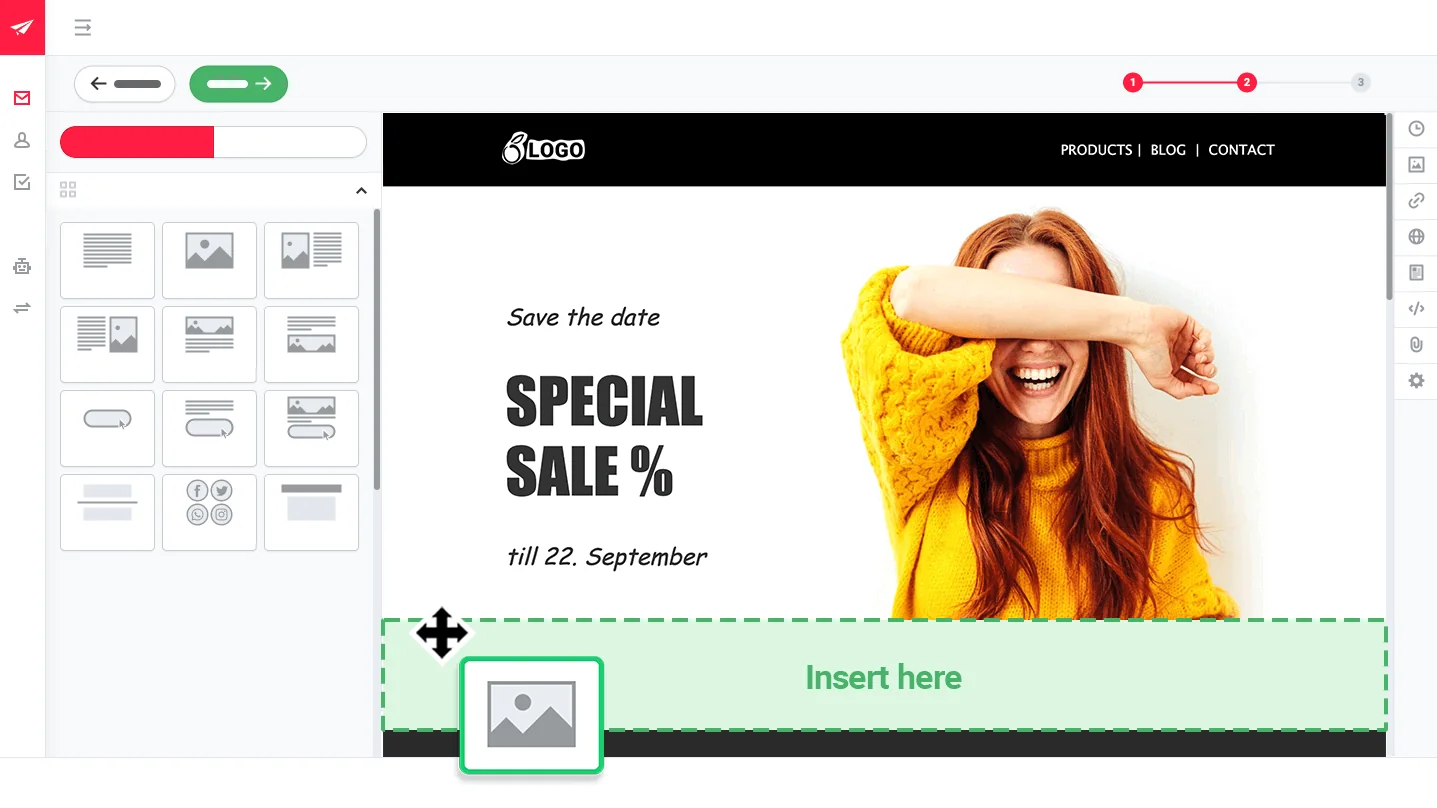
It couldn't be easier: customize the design, layout, and content of your newsletter with just a few clicks using our drag-and-drop editor.

Save and reuse
elements

Insert store products (after shop integration)

Preview function for mobile and desktop

Send
attachments

5 / 5
Andrea
on OMR Reviews

Easy even for email beginners

rapidmail does not require any graphic work, you can add elements with one click. Drag-and-drop handling is simple and intuitive.

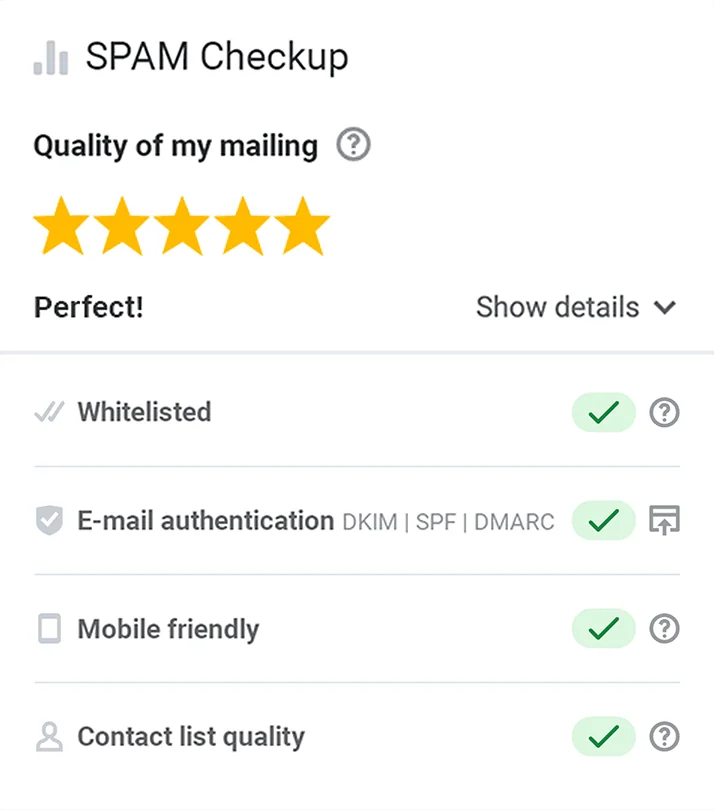
Anti-spam test example

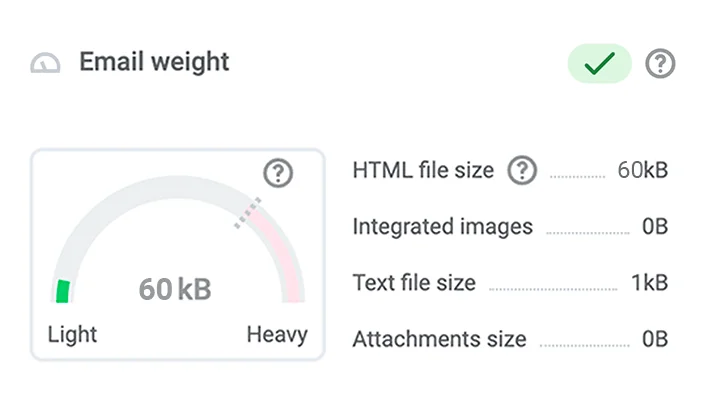
Subject line scoring and spam test before sending

While entering your subject line, you will receive useful suggestions for optimization. After creating your campaign, our spam check thoroughly analyzes it and gives tips to improve deliverability.

5 / 5
Walentina
on OMR Reviews

Sending newsletters is actually fun!

The automatic suggestions are super helpful. For example, the star-rating shows you whether emojis make your subject line more “sexy”.

Image database
Image editor

Direct access to 1.5 million
free images

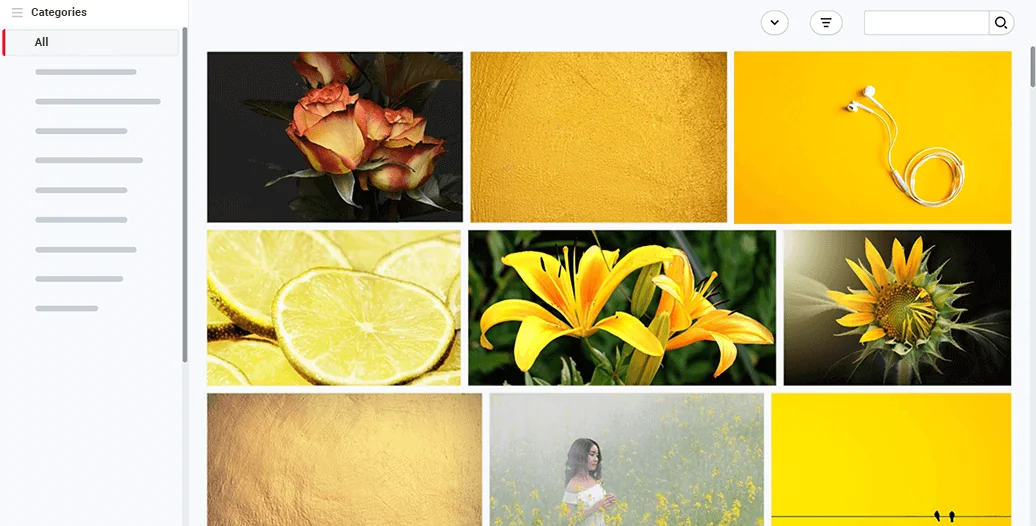
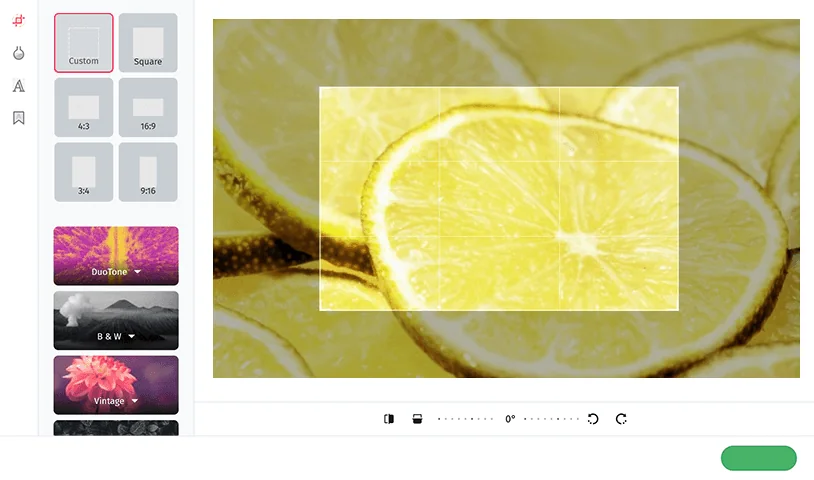
rapidmail includes a free image library with over 1.5 million high-quality, license-free images. You can crop and edit them directly within the newsletter editor.

Start for free now

Frequently asked questions

With rapidmail as your professional newsletter tool, you can easily create newsletters online. Thanks to intuitive features, you can design successful newsletters without prior experience and with just a few clicks. Our step-by-step guide for your first newsletter will help you send your very first campaign successfully.

With clear, easy-to-use functions, you can create compelling newsletters in no time with rapidmail. These include: an intuitive drag-and-drop editor, the option to upload your own HTML templates, personalization features and the option to save and reuse your own newsletter elements.

To really make your newsletter stand out, features like our 1-click design, 12 templates, a free image library, and an integrated image editor help you along the way.

Various online shop plugins make it much easier for you to create your newsletter: by connecting your shop, important product and customer data are automatically transferred to the newsletter tool and can be used instantly for your newsletter campaign.

To ensure optimal deliverability, rapidmail offers an automatic spam test before sending. And to make sure your newsletter displays correctly on recipients' devices, you can rely on responsive design, preview mode, and rendering tests.

Creating high-performance newsletters in email programs such as Outlook or Gmail is virtually impossible. These programs simply don’t offer the necessary features to ensure that your newsletter is displayed correctly and as intended for your recipients – let alone any professional design tools. Only professional newsletter software such as rapidmail allows you to test the presentation of your newsletter before sending it and provides top deliverability rates.

Thanks to intuitive design features, rapidmail lets you create successful newsletters with just a few clicks and no prior email marketing knowledge. Simply register and try it for free. PS: Your first campaign to up to 2,000 contacts is completely free!

Yes, rapidmail offers 12 responsive and mobile optimized templates free of charge. After choosing a template for your newsletter, you can decide if you want to adapt it to your own look and feel or if you just want to quickly paste your content and send it out. Furthermore, rapidmail offers blank templates you can design from scratch or have our 1-click design adapt it to your company design.

GDPR-compliant / Servers located in Europe / External data protection officer