Connect with new contacts using more than 50 social media icons for newsletters
 Lena·
Social media connects people, works quickly and promotes active discussion, so social media icons should not be missing from your newsletter. You are already familiar with our existing social links for campaigns, such as LinkedIn and Facebook. More than 50 new social icons now give you even more ways to connect online, share offers and content with your target audience and collect plenty of positive reviews.
1. The benefits of social media icons in newsletters
Being well connected and steadily expanding your reach are essential in online marketing. To achieve this, it is important to make your company visible on as many platforms as possible and connect the channels effectively.
The new social media icons available when creating newsletters give you even more ways to showcase your company and different online platforms in the newsletter and attract still more attention to your company or brand.
Combining your newsletter with integrated social media icons allows you to expand your reach across many channels and, for example, increase your conversion rate.
Social icons in your newsletter can help you achieve the following goals, among others:
- Win more followers and increase your reach across every channel you use
- Raise brand awareness
- Collect more positive reviews on review platforms and turn prospects into customers
- Give prospects a direct way to contact you at the click of a button
- Advertise vacancies and receive more applications
- Direct webinar participants to the webinar room with one click
- Link important elements such as the legal notice or privacy policy attractively
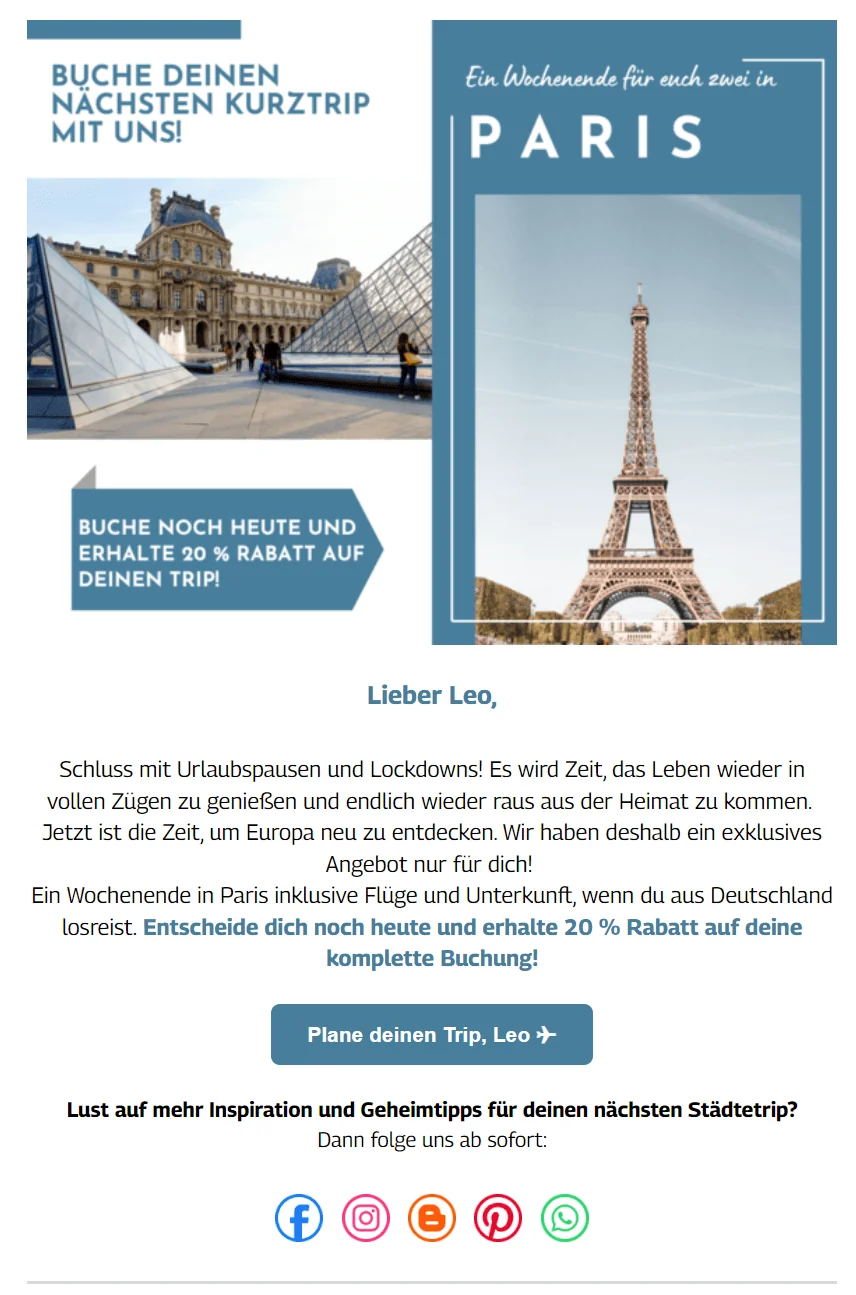
And that is not all: with their many color and design options, the new social icons are sure to catch the eye anywhere in your newsletter. Flexible sorting also lets you put social media channels in the right order: arrange the icons by relevance to your target audience or group them thematically by channel type, for example.
Create and test a newsletter now
💡 rapidtip: keep your design up to date too
With so many new ways to add social media icons to your newsletter, you can take the opportunity to update and polish your current newsletter. Attractive social buttons are not the only source of delight: the right newsletter design makes your campaigns even more enjoyable for subscribers to read.
2. Which social icons can you add to a newsletter?
More than 50 new social media icons for your newsletter are now available in the rapidmail editor. To keep the many new options manageable, we have divided the available social icons into five categories. We show you which social channels you can now add to your newsletter and what they can achieve.
Social networks: exchange information and strengthen relationships
| Social icon | Social platform | Purpose of adding it to the newsletter |
|---|---|---|
 | Strengthen connections with customers, share relevant posts and interact more quickly thanks to Facebook. Have you added your profile to the newsletter yet? | Add the Facebook icon to your newsletter to... – win more followers – give newsletter subscribers insights from everyday company life that you share on Facebook – share content every day – strengthen brand loyalty |
 | With Instagram's business account option, you can not only publish posts but also use Insights to supply your target audience with the right content. | Add the Instagram icon to your newsletter to... – win more followers – share content every day – motivate the target audience to buy with attractive product photos and impressions of products in use – strengthen brand loyalty |
 | Job portals such as LinkedIn and Xing let you draw jobseekers' attention to vacancies and build important B2B and B2C partnerships. | Add the LinkedIn icon to your newsletter to... – win more followers – establish expert status in your sector – receive applications for vacancies |
 | Twitter lets companies share opinions, quotes of the day and important updates that need to be communicated quickly. | Add the Twitter icon to your newsletter to... – win more followers – establish expert status in your sector – encourage interaction and discussion with your target audience |
 | From comedy and explainer videos to video duets with customers, TikTok lets you present your creative and innovative side. | Add the TikTok icon to your newsletter to... – win more followers – share content regularly – maintain an active dialogue with your target audience |
More social media icons that you can now add to your newsletter:
- Snapchat
- Myspace
Media and content: point to detailed information with one simple click
| Social icon | Social platform | Purpose of adding it to the newsletter |
|---|---|---|
 | Regularly publish exciting and informative blog posts about your sector or company, or helpful tips and tricks. The newsletter's blog button now takes subscribers to your online content even faster. | Add the blog icon to your newsletter to... – establish expert status with detailed, useful content – win more readers |
 | Spotify, SoundCloud, Deezer and similar services stream audio such as music and, in some cases, podcasts and audiobooks. SoundCloud in particular lets smaller artists publish their own music with ease and make it widely accessible. | Add streaming service icons to your newsletter to... – create shared office playlists accessible to everyone in the internal newsletter – share your own music with subscribers – win new followers – create playlists to match the newsletter |
 | File-hosting services such as Dropbox and OneDrive let you collect several files in one place and make them easily accessible to your whole team. | Add file-hosting provider icons to your newsletter to... – link directly from the newsletter to PDFs, photo folders or other documents |
More media icons that you can now add to your newsletter:
- Vimeo
- Flickr
- Github
- Behance
- Dribbble
- Tumblr
- Twitch
- WordPress
- RSS
Chat and meetings: communicate even faster and more easily
| Social icon | Social platform | Purpose of adding it to the newsletter |
 | WhatsApp, Telegram and Facebook Messenger are free messaging services that make exchanging messages and making calls quick and easy. They can also be used effortlessly around the world. | Add messenger services to your newsletter to... – strengthen customer loyalty – let customers reach you more quickly and easily with inquiries – build international connections |
 | Slack is a web-based instant messaging service that makes internal and external communication within and between companies considerably easier. Slack calls itself a virtual office with many rooms or channels where colleagues, business partners and expert groups can exchange ideas. | Add the Slack icon to your newsletter to... externally: – network with other companies – invite subscribers to expert or discussion channels you have created or internally: – communicate with colleagues at every location – communicate concerns more quickly – make spreadsheets, documents and digital submissions even more easily accessible to everyone in one place – enable calls without another tool |
 | Zoom, Google Meet, Microsoft Teams and Skype make it easy to organize online events such as webinars or invite B2B partners to online meetings. | Add meeting platform icons to your newsletter to... – direct subscribers to the meeting room for digital events – direct business partners or employees to the right online meeting rooms with one click |
More chat and meeting icons that you can now add to your newsletter:
- Google Chat
- A general chat icon for internal chat solutions
Business: comparison portals and money pools are only a button away
| Social icon | Social platform/business tool | Purpose of adding it to the newsletter |
|---|---|---|
 | Lieferando lets customers have their favorite food delivered easily to their home or office and leave a positive review to help future hungry customers decide. | Add Lieferando to your newsletter to... – collect reviews – win new customers – motivate subscribers to place orders |
 | PayPal is an online payment service for buying and selling both online and offline. The app also has features that make it possible to collect donations, for example. | Add PayPal to your newsletter to... – collect donations through a PayPal money pool – receive support as an organization or association |
 | Tripadvisor and HolidayCheck operate on the same principle, but for tourism. Users receive individual travel reports, hotel reviews and price comparisons to help plan their vacations. | Add Tripadvisor and HolidayCheck to your newsletter to... – collect donations through a PayPal money pool – receive support as an organization or association |
More chat and meeting icons that you can now add to your newsletter:
- Yelp
- Eventim
- A general shop icon linking to your online shop
General: the essentials in the newsletter footer
| Social icon | Social link | Purpose of adding it to the newsletter |
|---|---|---|
 | The general buttons make it even easier to link to an email address, telephone numbers or your online shop. The right mix of well-placed call-to-action buttons and social media icons helps you get more from your campaign! | Add telephone numbers and website links to your newsletter as icons to... – give customers an easy way to contact you – build better connections |
 | The website's legal notice and privacy policy are important components of data-protection-compliant newsletter marketing and can now be linked in the newsletter. | Link the legal notice and privacy policy in the newsletter to... – send legally compliant newsletters – give subscribers quick access to contact details and information – present a reputable brand |
 | The map icon, for example for Google Maps, lets you add the exact location of your shop, café, restaurant or office to the newsletter. Campaign readers can find you quickly and easily, especially if you have several locations. | Link your location in the newsletter to... – show customers the fastest way to reach you – attract more visitors to your location |
💡 rapidtip: are social media and email marketing really necessary?

Social media is an important part of online marketing! If your company has not yet established a presence on any platform, you should certainly consider it. A good mix of email marketing and social media marketing can turn newsletter subscribers into social followers and vice versa. The more visible and well connected you are online, the better it is for growing your customer base.
The rapidmail newsletter
Tips, ideas and news about email marketing, straight to your inbox.
3. How can social icons be added to a newsletter?
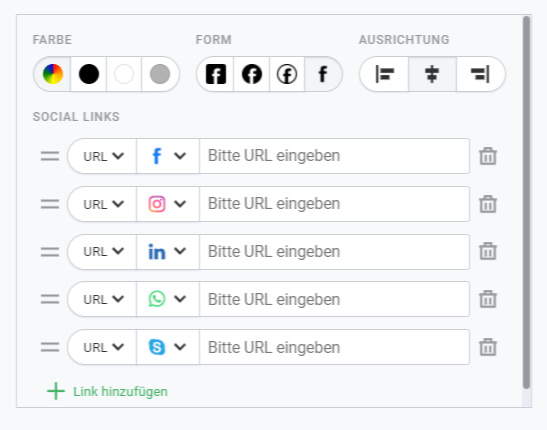
The simple drag-and-drop feature in the rapidmail editor lets you place social links wherever you want in your newsletter and then edit them:
More than 50 social icons are now available in the rapidmail newsletter editor. Besides Snapchat, YouTube, Telegram and Yelp, you can link numerous other important social channels.
Create a newsletter with social links now
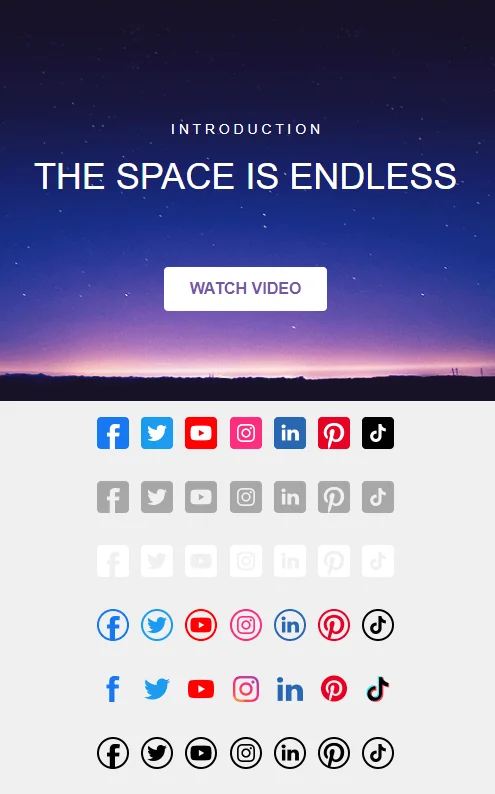
In the editor, you can add square, round and outlined buttons or the original icons in different colors. Semi-transparent icons make it possible to combine social links with any background color. You can also choose the icon alignment: depending on the rest of your newsletter design, arrange the symbols on the left, in the center or on the right.
To change the order of social icons in the newsletter, simply drag and drop them into any arrangement in the editing area on the right. Let your creativity run free! These features make it even easier to connect email marketing with your social media strategy.
What else you need to know: social links and Outlook
As so often with newsletters and Outlook, there is something to consider with social icons. If you add more than 11 social icons to your rapidmail newsletter, a line break is generated automatically, so additional icons may move onto a second line. If your campaign is very wide or contains more than 11 icons, carry out a display test and send test emails to check that you still like its appearance and that everything is visible.
Ready, set, social icons!